Open the form, expand Actions After Submit and pick one or more actions in Add Action. Each action you add gets its own section below with its settings.
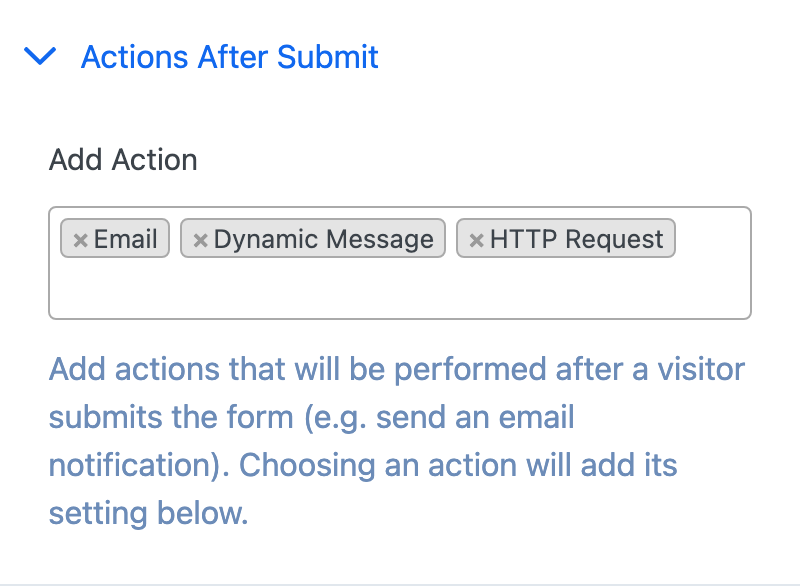
| Action | What it does |
|---|---|
| Emails you and the buyer about the payment | |
| Redirect | Sends the buyer to another page |
| Dynamic Message | Replaces the form with a success message |
| HTTP Request | Sends the payment's details to a URL |
Actions run when the payment succeeds, which Stripe and PayPal confirm through their webhooks. Bank debits such as SEPA and ACH succeed a few days after the buyer pays, so their emails and HTTP requests arrive then. Each action runs once per payment, even if Stripe sends the same message twice.
Email#
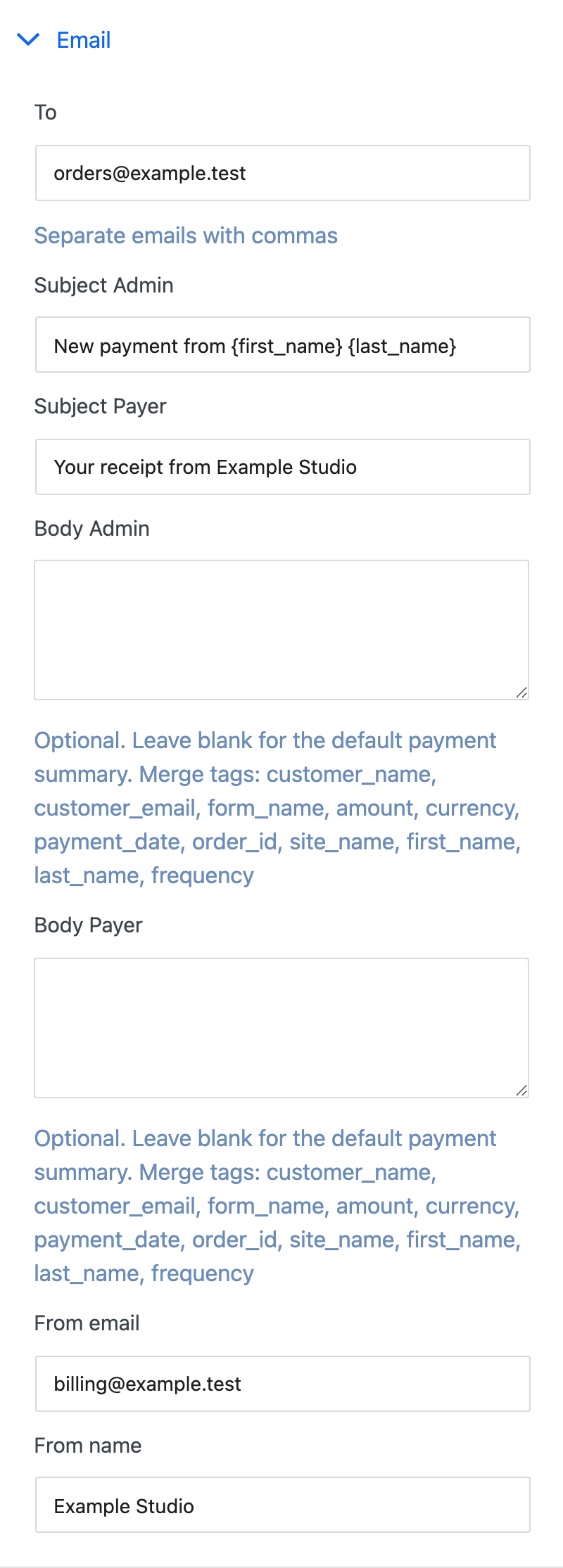
| Field | What it does |
|---|---|
| To | Who gets the admin email. Separate several addresses with commas. |
| Subject Admin | Subject of the email to you. |
| Subject Payer | Subject of the receipt to the buyer. |
| Body Admin | Your own text for the admin email. Leave it empty for the standard payment summary. |
| Body Payer | Your own text for the buyer's receipt. Leave it empty for the standard payment summary. |
| From email | The address emails come from. Empty uses your site's default. |
| From name | The sender name. Empty uses your site's default. |
The standard summary lists the buyer's details, the amount and, when the buyer added order bumps or products, an Items line with what they bought and how many.
In Body Admin and Body Payer you can use these tags. Each is replaced with the payment's value:
{customer_name}, {customer_email}, {form_name}, {amount}, {currency}, {payment_date}, {order_id}, {site_name}, {first_name}, {last_name}, {frequency}
Your text is sent as plain text with its line breaks kept.
To check your settings, click Update, then Send test emails below the builder. It sends a sample admin email to the To addresses and a sample receipt to you, with [TEST] in the subjects.
Redirect#
Enter the page in Redirect to URL after Successful Payment and, after paying, the buyer goes to that page instead of seeing a message on the form. Payment Page adds the payment's details to the address. Put this shortcode on the page you redirect to and it shows them:
[payment-page-success-details]
A redirect sends the buyer away straight after payment, so a form with a one-click upsell should use Dynamic Message instead.
Dynamic Message#
Shows a message in place of the form after payment, on the same page.
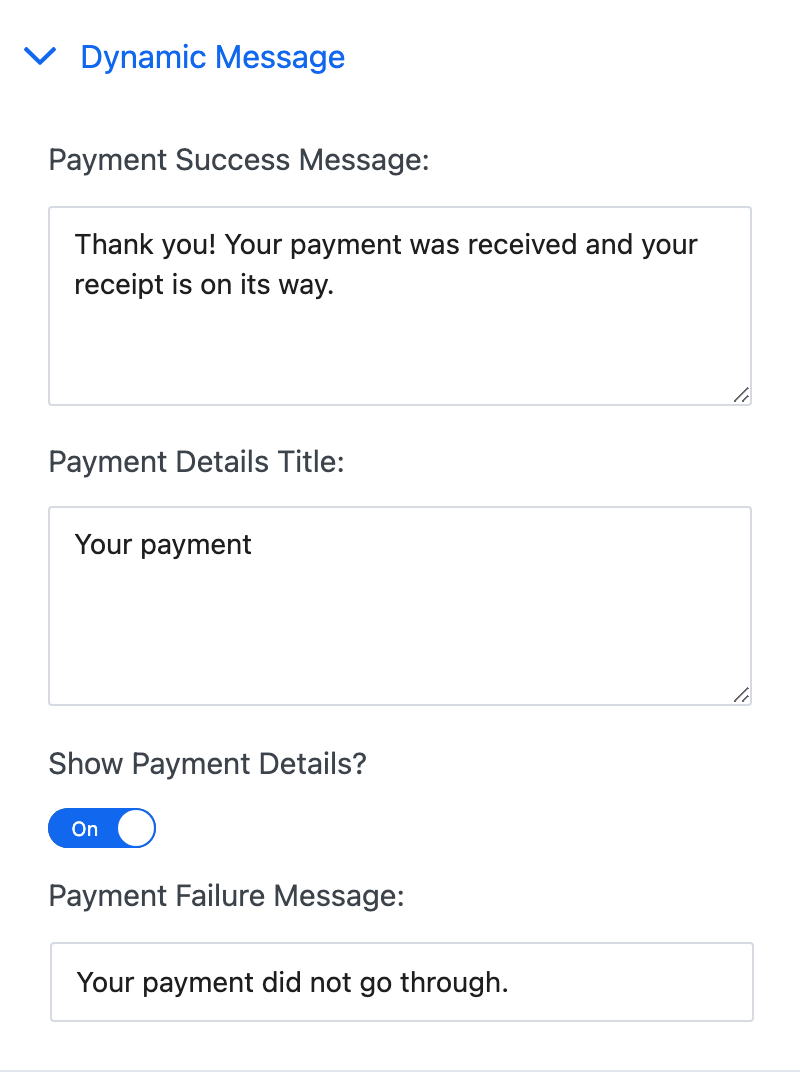
- Payment Success Message: the thank-you text.
- Payment Details Title: the heading above the payment details.
- Show Payment Details?: shows or hides the payment details: what was bought, the buyer's name and email, the date and the amount.
- Payment Failure Message: shown when a payment fails.
The look of the message is set under Style > Dynamic Message.
HTTP Request#
Sends the payment's details to the HTTP Request URL you enter, for example a CRM, Zapier, Make or your own app.
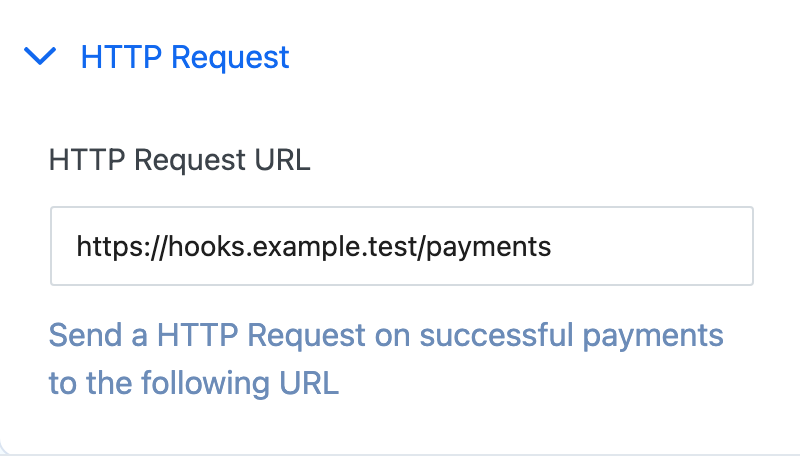
Payment Page sends a POST with form-encoded fields:
| Field | Value |
|---|---|
gateway, method, mode |
For example stripe, ccard, live |
name, email |
The buyer |
amount, amount_received, currency |
The payment amount |
frequency |
one-time or the billing period, for example m_1 |
items |
What the buyer added, when they added order bumps or products |
payment_page_id, payment_page_url, payment_page_payment_id, domain_name |
Which form and payment this is |
| Your custom fields | One field each |
provider_event_id, provider_object_id |
The Stripe or PayPal event and payment |
Every request carries an Idempotency-Key header that stays the same for the same payment, so your endpoint can ignore repeats. If your endpoint doesn't answer with a 2xx status, Payment Page tries again on the next webhook delivery. Use an HTTPS URL, and check the request's details on your endpoint before you rely on it.
Parameters from the form's address that don't match a field are sent too. See Prefill Form Fields.