Three ways to sell more from the same form:
- Order bumps: add-ons the buyer ticks before paying.
- Products: extra items the buyer adds with a quantity.
- One-click upsell: an offer shown after payment that the buyer adds without entering their card again.
All three work on the free and Pro plans. They apply to one-time prices only: bumps and products are hidden while a recurring price is selected, and the upsell follows one-time card payments. To start from a working example, create a form from the Order Bump Checkout, Multi-Item Store or One-Click Upsell Flow template.
Order bumps#
Expand Order Bumps in the form builder and click Add Order Bump for each add-on. Give it a Title, an optional Description, a Price and a Currency.
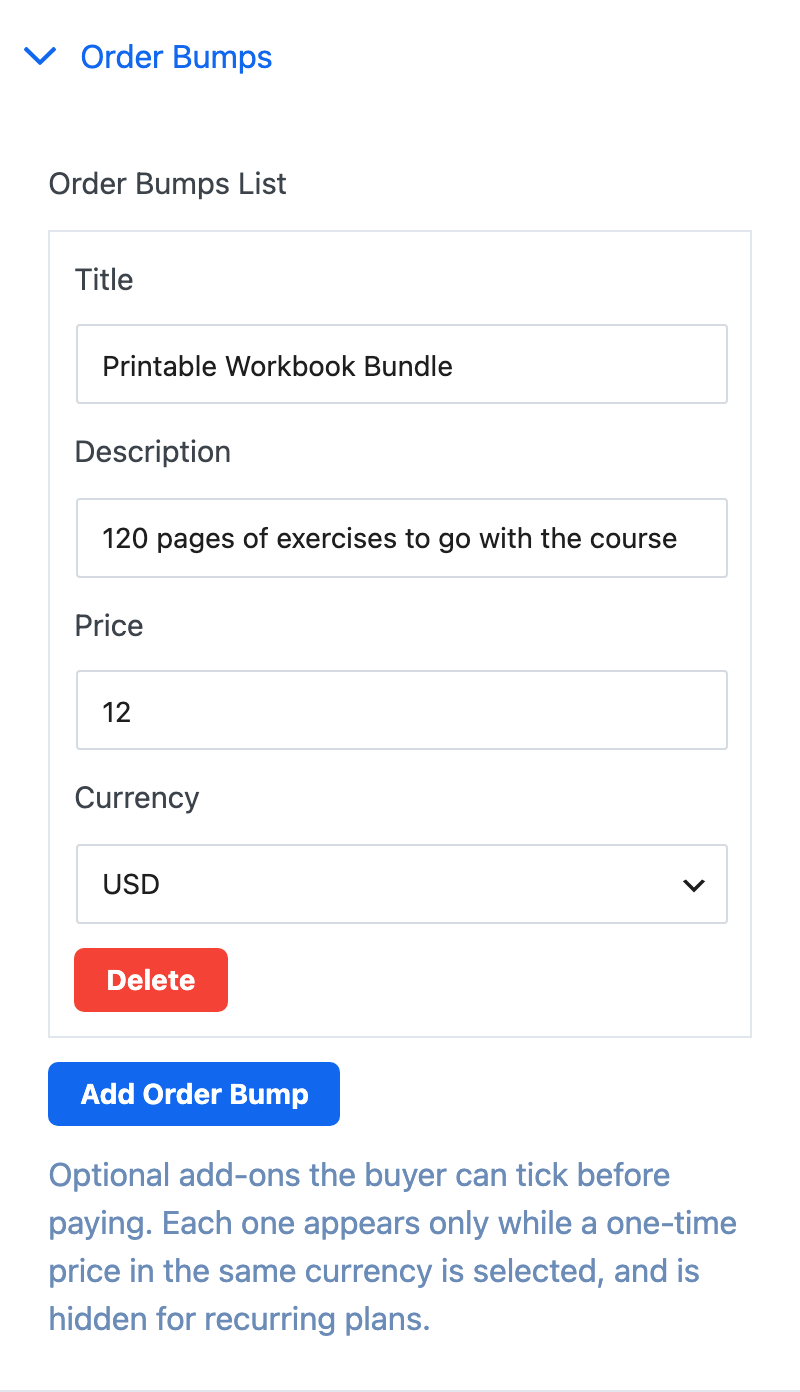
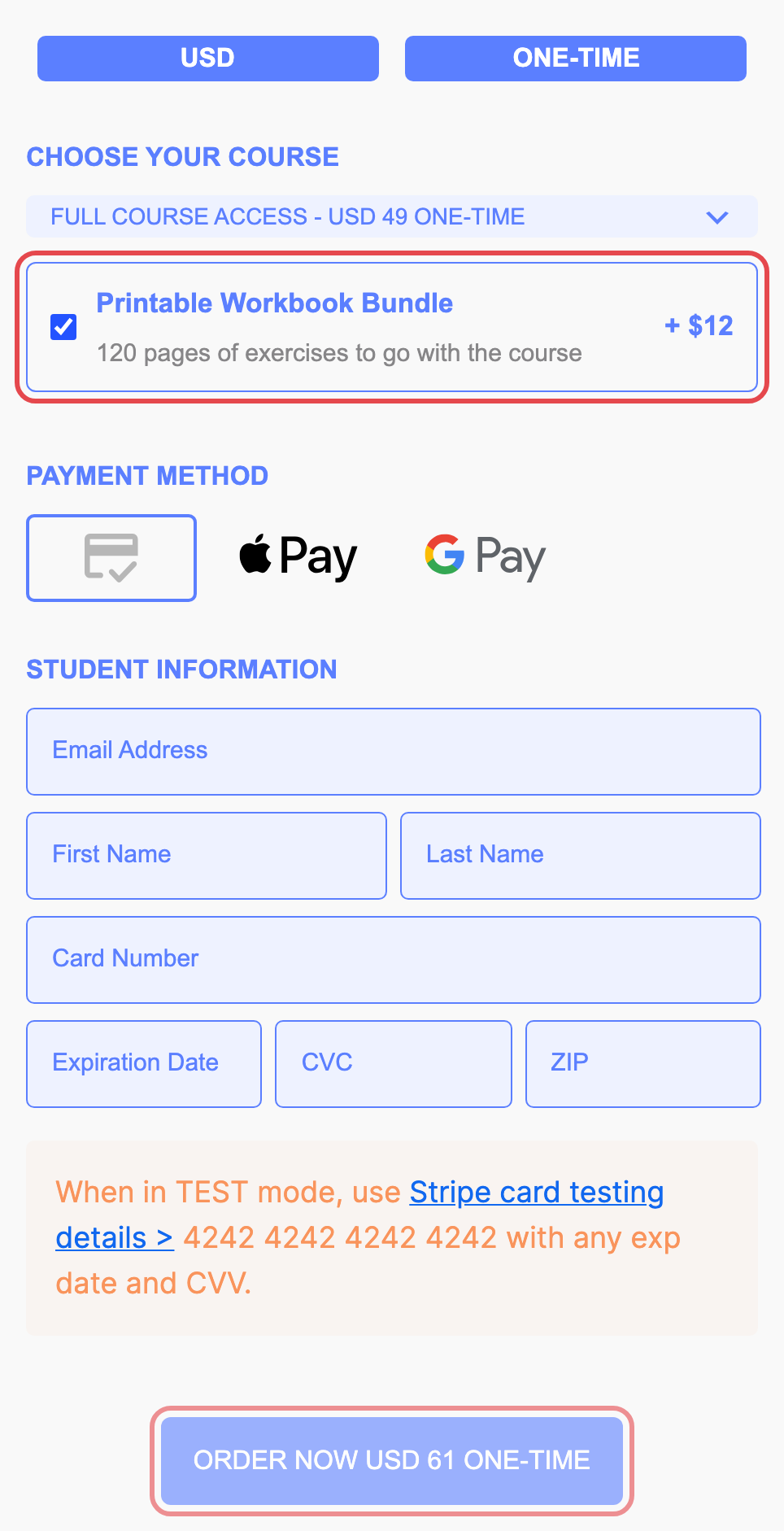
Each bump appears under the plan list while a one-time price in the same currency is selected. When the buyer ticks it, the total on the pay button goes up by the bump's price.
Products#
Expand Products and click Add Product for each item. Products have the same fields as bumps.
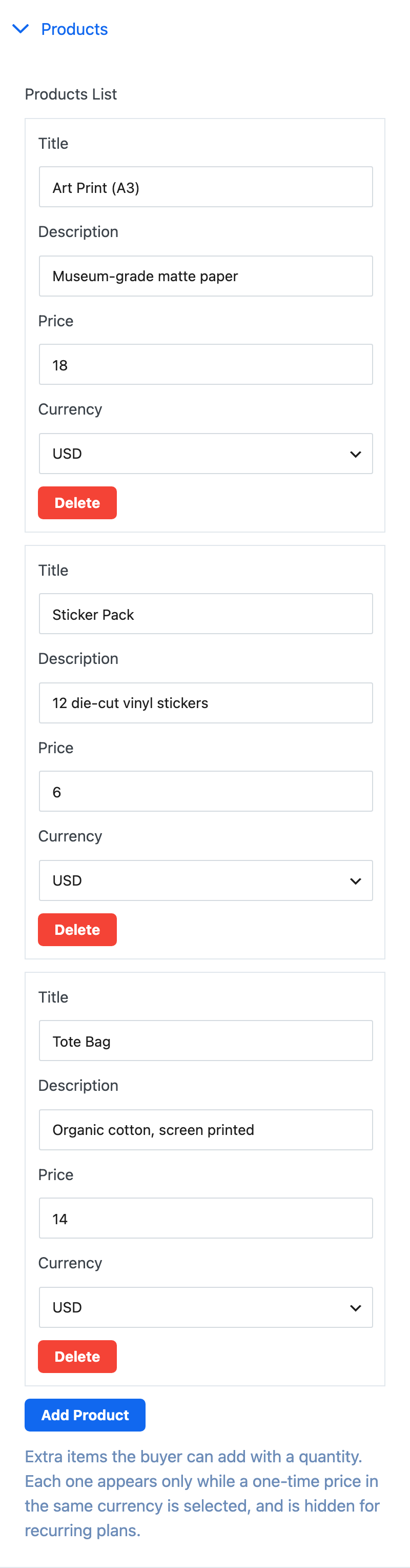
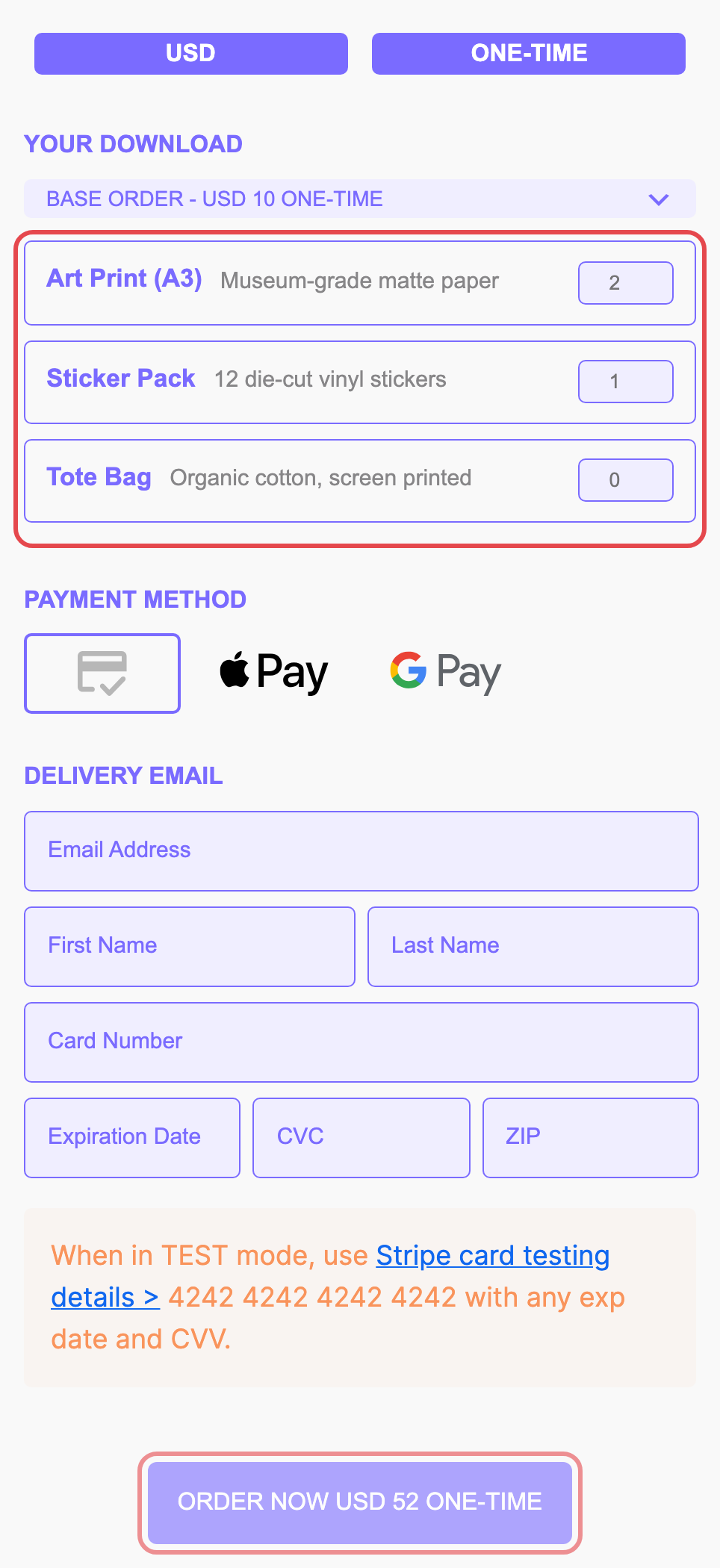
Buyers set a quantity for each product they want, and the pay button total updates as they go. Products follow the same rule as bumps: they show while a one-time price in the same currency is selected.
Bumps and products with no price, or a price of 0, are not shown.
One-click upsell#
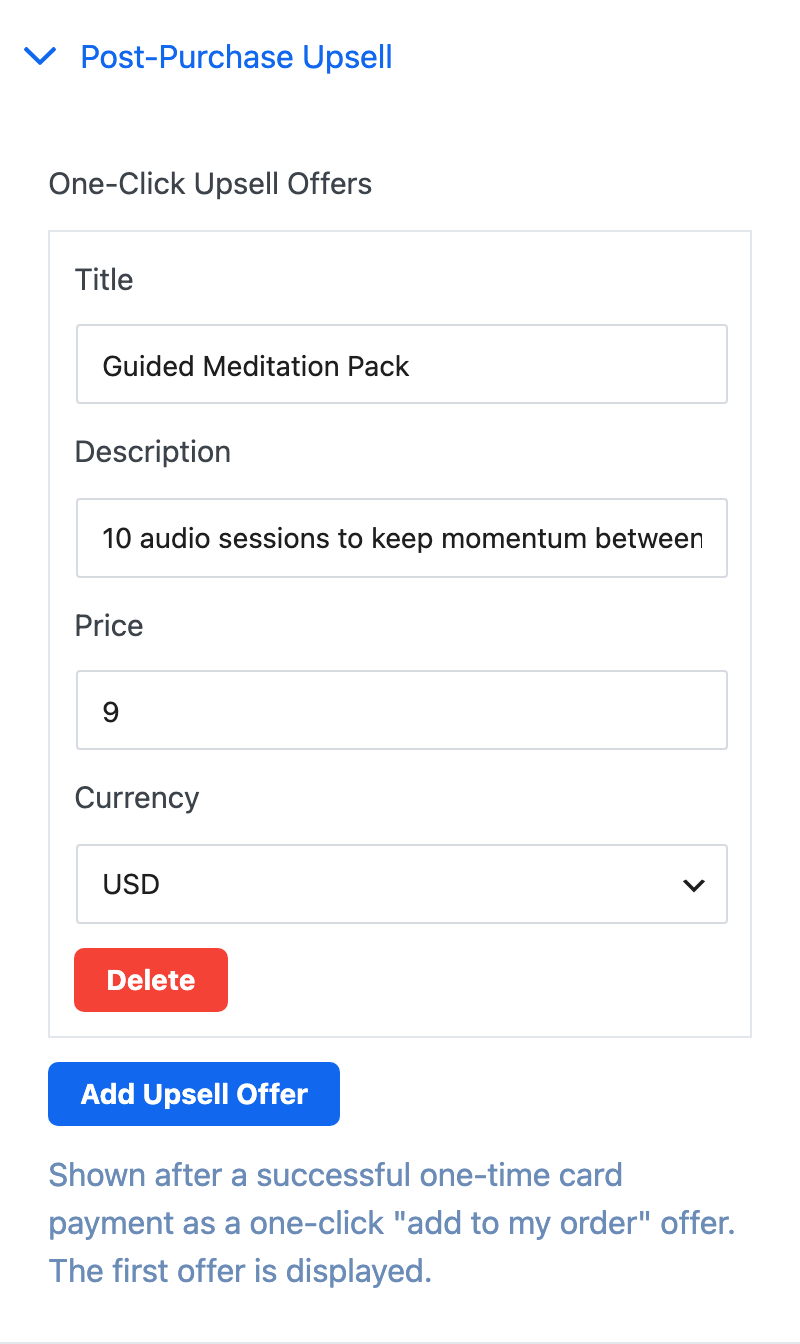
Expand Post-Purchase Upsell and click Add Upsell Offer. Enter a Title, an optional Description, a Price and a Currency. If you add more than one offer, the first one is shown.
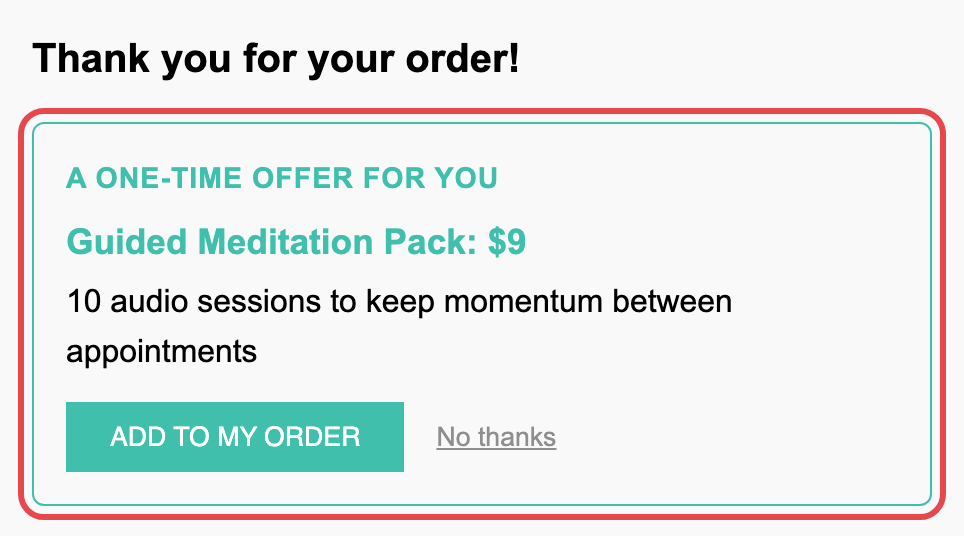
After a successful one-time card payment, the success step shows the offer. One click on Add to my order charges the same card for the offer as a separate payment, with no card details to enter. No thanks closes the offer. If the extra charge fails, the buyer sees that their original payment is unaffected.
What you and the buyer see after payment#
- The admin and buyer emails list the bumps and products bought, with quantities. An accepted upsell sends its own receipt naming the offer.
- The upsell shows in Stripe as its own payment.
- In Analytics, bumps and products count toward the order's revenue, and an accepted upsell adds revenue without counting as a new order.
Payment Page works out every total on your server from the form's own prices, so a buyer can't change what they pay.