Open the form and click the Style tab. Each section styles one part of the form, and the preview on the right updates as you change it.
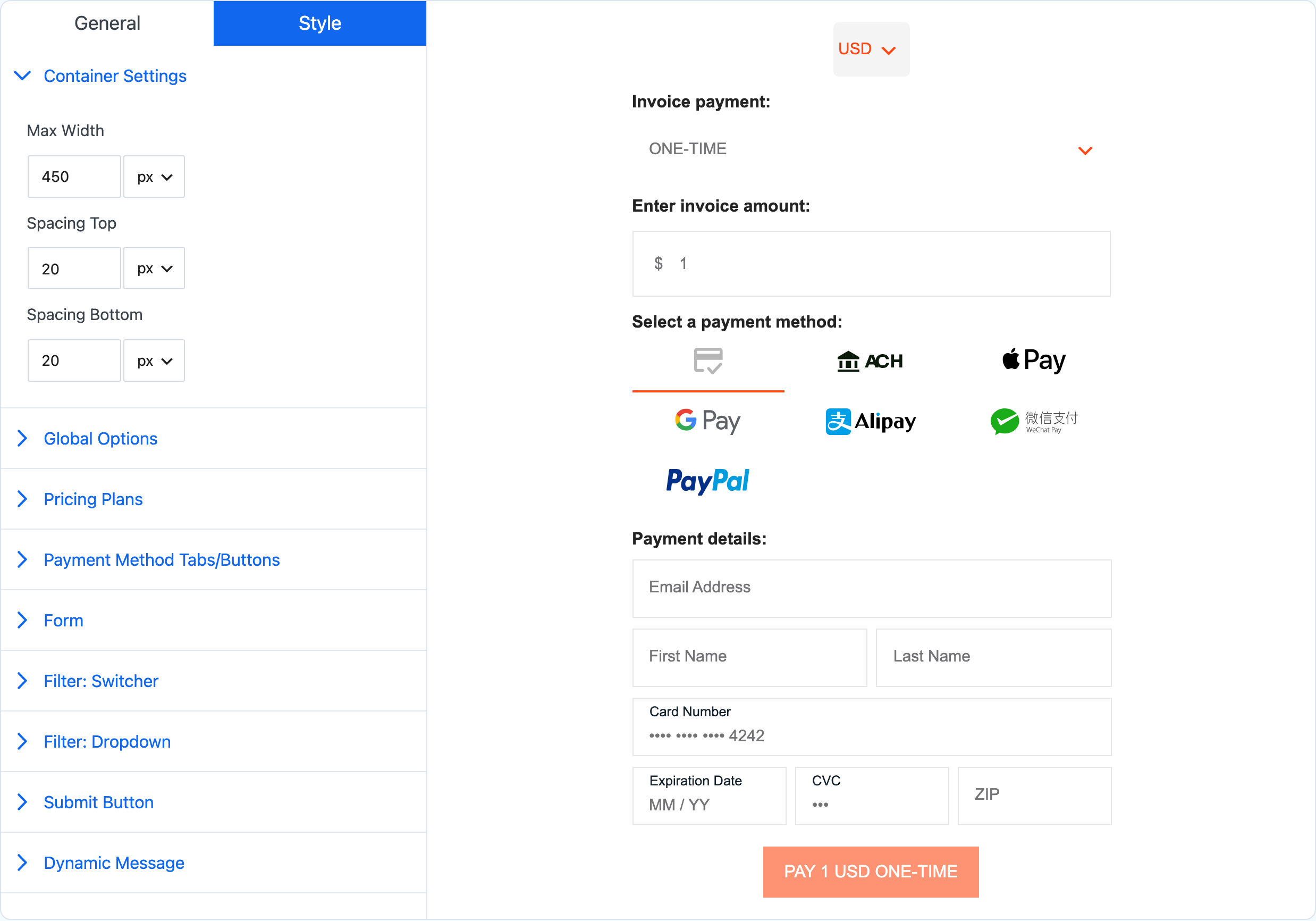
| Section | Styles |
|---|---|
| Container Settings | The form's maximum width and the space above and below it |
| Global Options | Section titles and the spacing between sections |
| Pricing Plans | The plan list and its title |
| Payment Method Tabs/Buttons | The payment method tabs |
| Form | Field labels, input text, placeholders, borders and backgrounds |
| Filter: Switcher | The currency and billing switcher buttons |
| Filter: Dropdown | The currency and billing dropdowns |
| Submit Button | The pay button |
| Dynamic Message | The success message shown after payment |
Click Update to save. The templates are a quick way to start from a finished design.
Powered by Payment Page#
Under General > Powered By Badge you can show a small "Powered by Payment Page" link under the form. It is off by default. Turning it on supports the plugin's development.
Elementor pages#
On a page built with Elementor, the form keeps the style set here. Use Elementor's own controls for the page around it: spacing, backgrounds, columns and responsive visibility. Save the Elementor page separately from the form.